
Cart
0
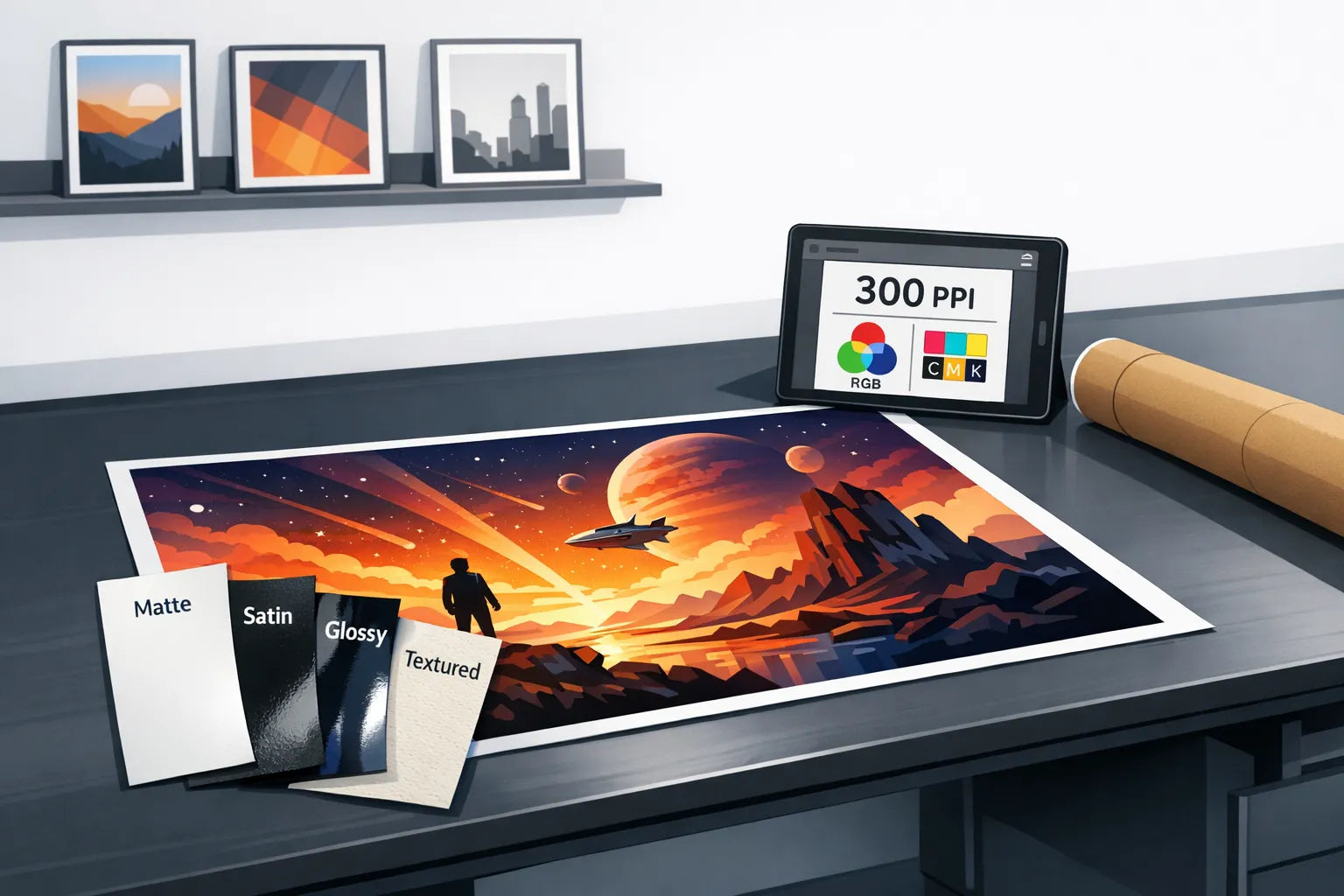
Poster printing is one of those areas where “cheap” can quietly turn into “expensive” if you have to reprint because the blacks look grey, the image is fuzzy, or the paper buckles in a frame. The good news is that you can absolutely find the cheapest place to print posters for your situation without sacrificing quality, as long as you know what actually drives cost and what quality checks matter.
What “cheap” really means in poster printing
A poster’s price is usually a combination of:
- Paper (weight and coating matter more than most people expect)
- Ink and print method (digital poster printing vs photo printing vs giclée)
- Finishing (trimming, borders, lamination)
- Proofing (sometimes optional, sometimes included)
- Shipping and packaging (often the hidden cost, especially for single prints)
So the “cheapest place” is rarely a single brand or shop. It is usually the option that best matches your needs on three variables:
- How many posters you’re printing (one-off vs bulk)
- How fast you need it (standard vs rush)
- How critical colour accuracy and sharpness are (decorative vs portfolio, photography, exhibitions)
The cheapest places to print posters (and when each one wins)
Below is a practical, quality-first view of the most common options people use in the UK and Europe.
| Option | Typically cheapest for | Quality risk | Best use cases | What to watch for |
|---|---|---|---|---|
| Online print providers (standard poster printing) | Bulk orders, standard sizes | Low to medium | Home decor posters, event posters, simple designs | Paper weight, colour management, shipping tubes |
| Local print shop | One-off prints, urgent jobs | Low to medium | Same-day needs, you want to check paper samples | Inconsistent calibration between shops |
| Photo labs (photographic poster prints) | Small to mid sizes for photos | Medium | Photography prints that benefit from photo paper | Glare, colour shifts if file prep is off |
| Office-supply / copy shops | Very quick, very basic | Medium to high | Drafts, short-term signage | Banding, thin paper, poor blacks |
| Fine-art giclée printers | Not the cheapest | Very low | Art sales, exhibitions, archival goals | You pay for consistency and longevity |
If you want the cheapest “good” option for most posters
For most people printing a decorative poster (illustration, graphic design, typography, casual photography), the best value is usually:
An online print provider using standard poster paper in a standard size, with no rush shipping and no premium finishing.
That combination reduces cost while still keeping quality respectable, provided your file is prepared correctly.
When a local print shop becomes the cheapest option
A local shop can be the cheapest overall when:
- Shipping for a single online poster costs nearly as much as the print
- You need it today or tomorrow (rush shipping is often where online “cheap” disappears)
- You want to see paper samples before you commit
Local shops also make it easier to fix problems fast. If your blacks print muddy or your margins are off, you can often re-run quickly.
When “cheap” photo posters are a great deal (and when they are not)
Photo labs can be surprisingly good value for photographic prints, especially at smaller sizes. The trade-off is that photo paper (and its coatings) can be glossy and unforgiving.
If you are printing photos for framing, a lustre finish is often a safer choice than full gloss because it reduces reflections.
Office-supply printing: fine for drafts, risky for final decor
Copy-shop poster printing can be fine for short-lived signage or proofing layout, but it is the most likely to disappoint for wall art. Common issues include:
- Thin paper that ripples behind glass
- Visible banding in gradients
- Blacks that look charcoal rather than deep black
If your goal is “cheap wall art that still looks premium,” this is usually not the first place to try.
The quality checklist that prevents expensive reprints
Most poster quality problems are not mysterious. They come from a small set of predictable causes.
1) Resolution: aim for 300 PPI at final size (when possible)
A widely used print standard is 300 PPI (pixels per inch) at the final print size. If you design at the correct size, your printer has enough detail to produce crisp edges and clean typography.
- If your poster is viewed from farther away (for example, large wall pieces), you can sometimes go lower without it looking soft.
- If you are printing typography, line art, or detailed illustrations, higher effective resolution helps.
Adobe’s general guidance on resolution and image quality is a helpful reference if you want to sanity-check files before printing: Adobe overview of image resolution.
2) Size: design to standard poster dimensions
Standard sizes reduce waste, simplify trimming, and tend to be cheaper. In the UK and Europe, ISO paper sizes (A4, A3, A2, A1) are common. If you are curious about the underlying standard, see: ISO 216 paper sizes.
3) Colour: do not assume your screen is “right”
Screens are backlit and prints are reflective. Even a great file can print darker than expected.
Practical ways to avoid disappointment:
- Use the printer’s preferred colour profile if they provide one
- Avoid neon, ultra-saturated colours unless the printer confirms they can reproduce them cleanly
- Do a small test print when colour accuracy is critical
If you want the foundational concept behind profiles, the International Color Consortium explains how colour management works across devices.
4) Paper choice: pick the right “poster” paper, not the fanciest
Paper is where quality and cost meet. Many people either choose paper that is too thin (looks cheap) or too premium (unnecessary for the goal).
Here is a simple guide:
| Paper type | How it looks | Typical best for | Common downside |
|---|---|---|---|
| Matte poster paper | Soft, minimal glare | Illustrations, typography, modern interiors | Can reduce contrast slightly |
| Satin or semi-matte | Balanced, slightly richer blacks | “Do-it-all” posters | Slight reflections in bright rooms |
| Gloss photo paper | High pop, high contrast | Photos in controlled lighting | Glare and fingerprints |
| Fine art cotton rag (giclée) | Textured, premium, archival feel | Collectible art prints | Cost is usually much higher |

How to keep poster printing cheap without losing quality
These tactics cut cost while keeping the result “frame-worthy.”
Choose standard sizes and standard borders
Custom sizes can trigger extra setup, trimming time, or odd paper waste. If you want a border, consider a simple white border that fits common frames and mats, rather than custom trimming.
Avoid rush fees (and watch shipping)
A big share of “why is this so expensive?” comes from delivery speed.
If you are printing one poster, the most cost-effective approach is often:
- Standard turnaround
- Standard shipping
- Or local pickup (if available)
Print more than one copy at a time
Many printers price aggressively on the second and third copy because setup is already done. If you are decorating multiple rooms, coordinating prints into one order is an easy win.
Skip lamination unless you genuinely need it
Lamination can make sense for posters that will be handled often (events, classrooms, cafés). For framed wall art at home, it is usually an unnecessary cost and can change the look of the print.
Use the right file format (this matters more than people think)
If your design includes text and vector elements, exporting properly is often the difference between “cheap and sharp” and “cheap and fuzzy.”
Good general rules:
- PDF is usually best for posters with text and clean shapes
- Embed fonts or outline them if the printer requests it
- For images, use high-quality JPEG or TIFF as required
If you use Canva, their explanation of print-ready exports is a useful baseline: Canva guide to image resolution for printing.

Questions to ask before you order (so you don’t pay twice)
If you want to find the cheapest place to print posters and keep quality high, ask any provider these questions before ordering:
- What paper weight and finish is included in the base price? (Ask for GSM and whether it is matte, satin, or gloss.)
- Do you colour manage files, or should I provide a specific profile?
- Do you check files for resolution and safe margins?
- How are posters packaged for shipping? (A sturdy tube is usually safer than flat mailers for larger sizes.)
- What happens if there is a defect or shipping damage?
If they cannot answer clearly, they may still be cheap, but the risk of reprints goes up.
A quick reality check: the cheapest “printing” is sometimes not printing your own file
If your goal is to decorate your space (rather than print your own photography or design work), it can be more cost-effective to buy a professionally produced print rather than self-supplying a file.
That is because you are not paying only for ink and paper. You are also paying for:
- Curated artwork (and the right to display it)
- A print workflow that is designed for consistency
- Options like sizing and framing without you having to manage file setup
Dreamprint.art is built around this approach, offering curated, made-on-demand posters and art prints with free shipping, multiple sizes, and framing options. If you are choosing art for a home office or living space and want a ready-to-hang result, that route can remove a lot of the typical “trial and error” cost.
Frequently Asked Questions
What is the cheapest way to print a poster at home? Home printing can be cheap for small sizes, but ink costs add up quickly for large posters, and consumer printers often struggle with deep blacks and smooth gradients. For wall-size posters, online poster printing is usually better value unless you already own a capable printer and buy paper in bulk.
Is 300 DPI always necessary for poster printing? It is a strong target for sharpness at close viewing distances, especially for text and detailed art. Very large posters viewed from a distance can still look good at a lower effective PPI, but starting with the highest quality file you can is the safest way to avoid softness.
What paper is best for posters that will be framed? Matte or satin poster paper is usually the best balance for framed wall art. Matte reduces glare, satin keeps colours and blacks richer while still controlling reflections.
Why do my prints look darker than my screen? Screens are backlit and often set brighter than print viewing conditions. Without proper colour management, prints commonly come out darker. Soft-proofing (if available), lowering screen brightness, and ordering a small test print can help.
Can I print copyrighted images as posters? In many cases, no, unless you own the rights or have permission or a proper licence. If you want art for your walls without worrying about usage rights, buying from an art print marketplace is typically safer.
Want an easier path to great-looking wall art?
If you are trying to balance price and quality mainly to decorate your space, consider skipping file setup entirely and choosing a ready-to-hang print. Dreamprint.art offers curated posters and art prints made on demand, with multiple sizes, framing options, and free shipping worldwide. Browse styles you actually want to live with, and get a result that looks intentional the moment it goes on your wall.


